
THE PLAYER'S GUIDE
About God of War II
Winning a place on Olympus has brought Kratos no peace. In God of War II, the warrior who defeated Ares leaves his divine throne and sets out to change his own fate. Greek mythology supplies the landscape and its formidable inhabitants, turning a deeply personal struggle into a journey to the edges of the world.
The game
Combat with a finishing rhythm
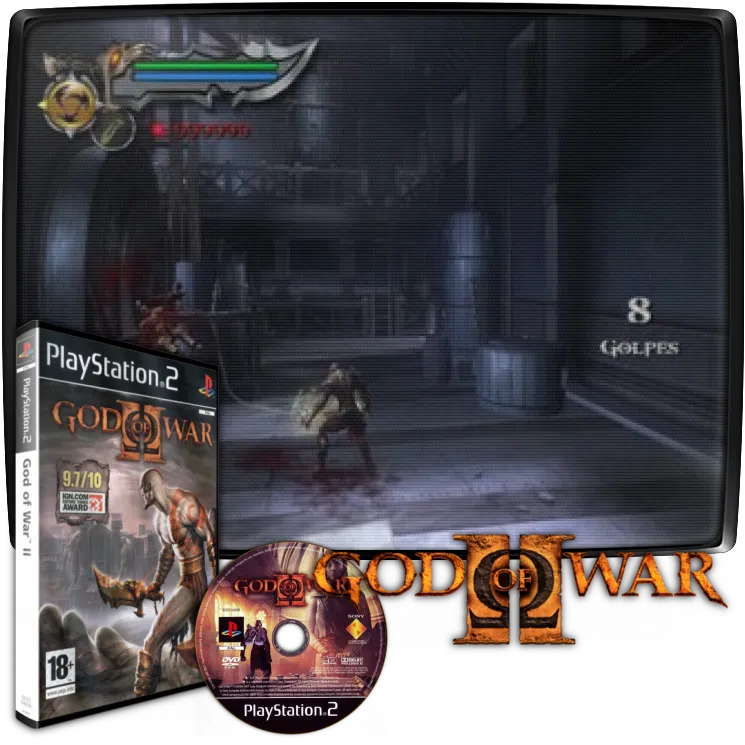
Battles ask you to do more than keep attacking. Damage certain enemies enough and a contextual finishing opportunity appears, shifting the action into a timed sequence of displayed button presses. Between fights, Kratos can climb, swim and grapple, giving the journey a broader physical vocabulary than its weapon combat alone suggests.
Build a larger repertoire
Red Orbs fund upgrades to acquired weapons and magic through the Power Up menu. Progress therefore includes decisions about where to invest, alongside learning the abilities those investments make available. Another combat resource, Rage of the Titans, builds through fighting and defeating enemies; rare gold Titan orbs also contribute to its meter.
This edition
The PlayStation 2 edition
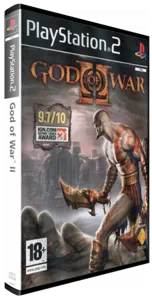
This entry covers the European/Australian PlayStation 2 edition, offered here as a download. On original hardware, the booklet specifies an 8MB PlayStation 2 memory card in slot 1 for saving settings and progress.
Start here
- Set your starting difficulty
Choose New Game, then Mortal for Easy, Spartan for Normal or God for Hard. Mortal is a sensible first choice if you want room to learn. Titan, the Very Hard setting, unlocks after completing one of the other three difficulties.
- Check your available moves
Open the Moves menu early and choose a small handful of listed combinations to practice. It shows the moves currently available to Kratos, so it is a useful reference whenever your abilities expand.
- Recognize a save point
Look for a glowing pillar of light. Step into it and follow the interaction prompt to save your progress; make this part of your routine before continuing into unfamiliar territory.
Original controls
These are the original game's controls. Use a compatible controller setup when playing this edition.
- Left analog stick / right analog stick
- The left stick controls movement; the right stick evades.
- Cross
- Jump. Press twice for a double jump.
- Circle / L1
- Circle grabs; L1 blocks.
- Directional buttons / L2
- Choose an acquired magic ability with the directional buttons; use magic with L2.
- R1
- Perform context-dependent actions and interactions, including grappling.
- Start / Select
- Start opens the menu screens. Select opens pause and options.
Playing tips
- Look beyond the next fight
Check accessible side spaces for chests. Six Gorgon Eyes increase your health capacity, while six Phoenix Feathers increase magic capacity, making exploration a practical investment in later encounters.
- Spend magic deliberately
Watch the Magic Meter before committing to repeated casts. Each use consumes that resource, so leave yourself an option for a difficult moment instead of exhausting it without checking.
- Notice recovery opportunities
After taking damage, keep an eye out for health orbs from fallen enemies and glowing chests. Recovery can come from your surroundings as well as from pushing through the next opponent.

 Your next world.
Player memories
Remember God of War II? Share a memory or a tip for other players.
The next memory could be yours.
Sign in to leave a memoryLoading the memory card…