
THE PLAYER'S GUIDE
About Twisted Metal 2
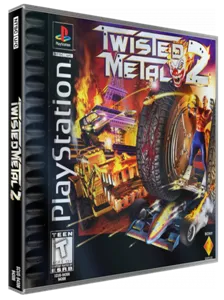
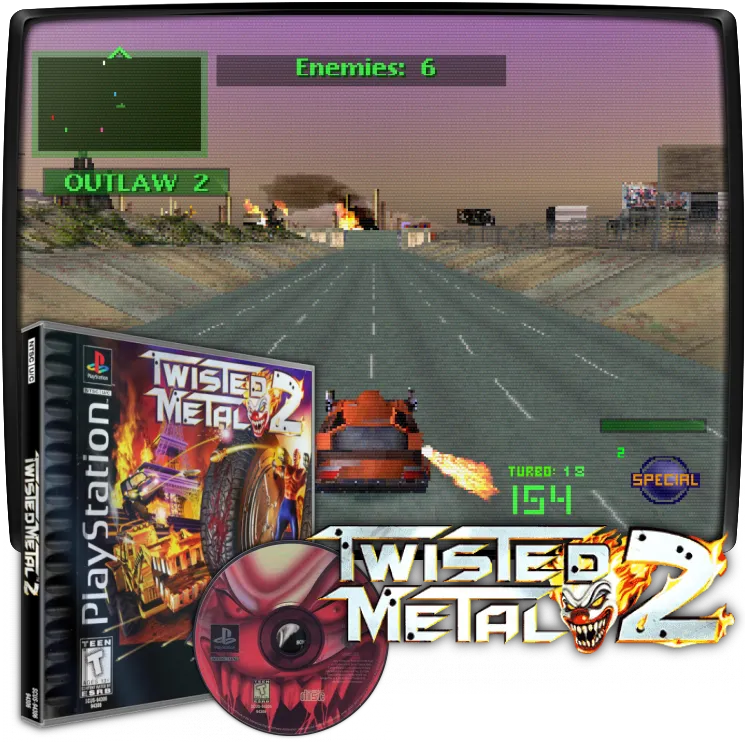
Twisted Metal 2 online here means the original PlayStation car-combat game running in your browser. Pick a vehicle, learn its weapons and fight through arenas where survival matters more than crossing a finish line.
The game
Car combat on PlayStation
Driving and shooting are separate jobs: steer into a useful position, select a weapon and fire when an opponent comes into view. Start by learning the standard driving layout before trying advanced attacks.
This edition
What online play means here
This page offers the PS1 edition, with its own controller layout and disc. Playing in a browser does not provide an internet matchmaking service. Instructions for the Windows release or features of later console reissues should not be assumed to apply.
Start here
- Allow the disc to load
Choose Play now when you are ready for the 336 MB disc download. On a phone the player may ask for confirmation first. Keep this page open while it loads; opening the guide alone does not start that download.
Original controls
These are the original game's controls. For keyboard, controller and touch settings in this player, see Controls & help.
- Drive, select and fire
- In the original default layout, Square accelerates, Triangle uses turbo and Circle brakes. L1/R1 select weapons, L2 fires the selected weapon and R2 fires the machine guns. In this player's keyboard layout those inputs are S, A, Z, Q/E, Tab and R respectively. A remapped layout can differ.
Playing tips
- Keep a practice session
After learning steering and braking, use the player menu's Save state before experimenting. Load state returns to that moment in the same browser and device; an account or the Keep button does not transfer the running game.
 Your next world.
Player memories
Remember Twisted Metal 2? Share a memory or a tip for other players.
The next memory could be yours.
Sign in to leave a memoryLoading the memory card…